
Finding a gift, in three easy steps
We rebuilt finding a gift around how people really use Ollie: on their phone, in a spare minute. There's a new Find a gift tab, and each person's page is now three clear steps instead of one long scroll.
-
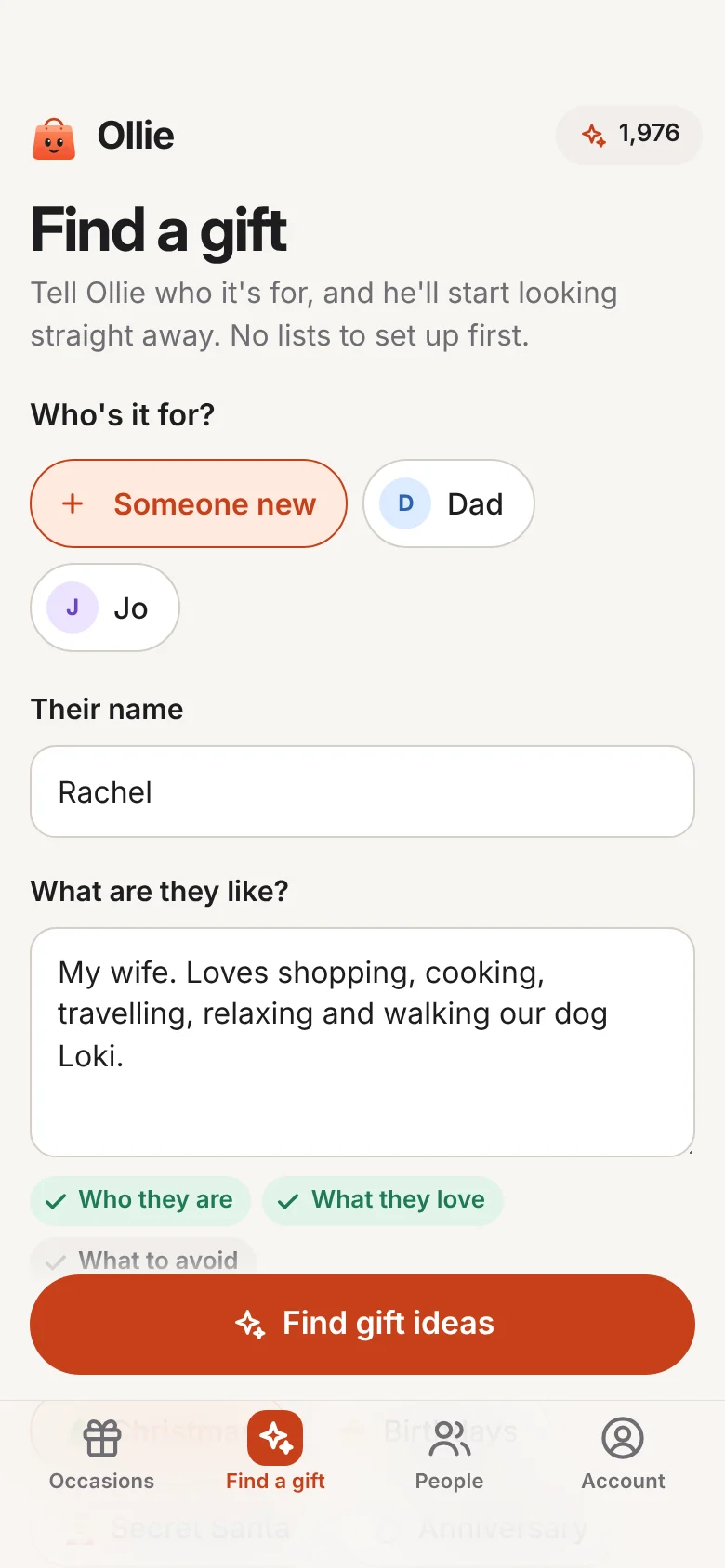
Find a gift New
A new tab where you say who it's for, what it's for and your budget, all on one screen, and Ollie starts looking straight away. No lists to set up first. On Android it's a shortcut too: press and hold Ollie's icon.
-
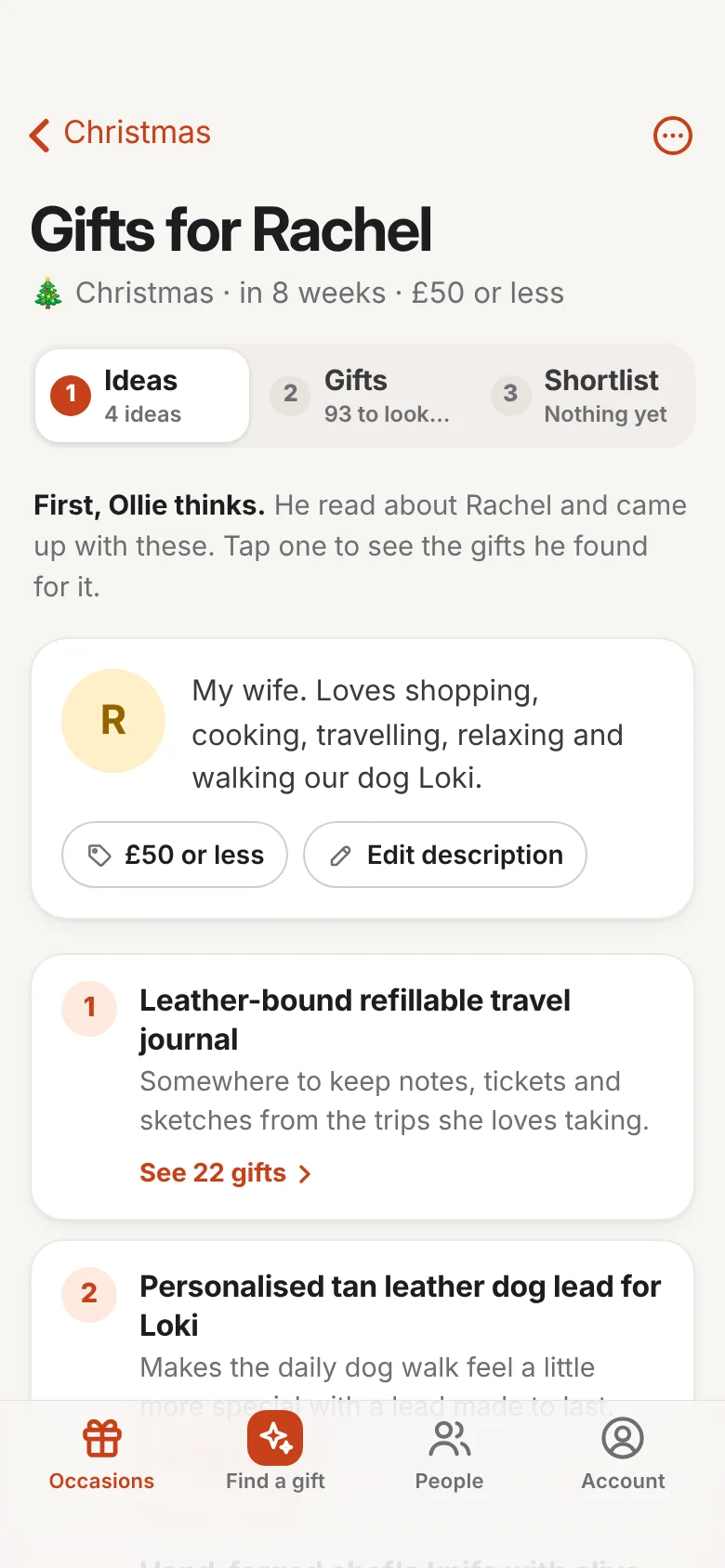
Three steps: Ideas, Gifts, Shortlist Improved
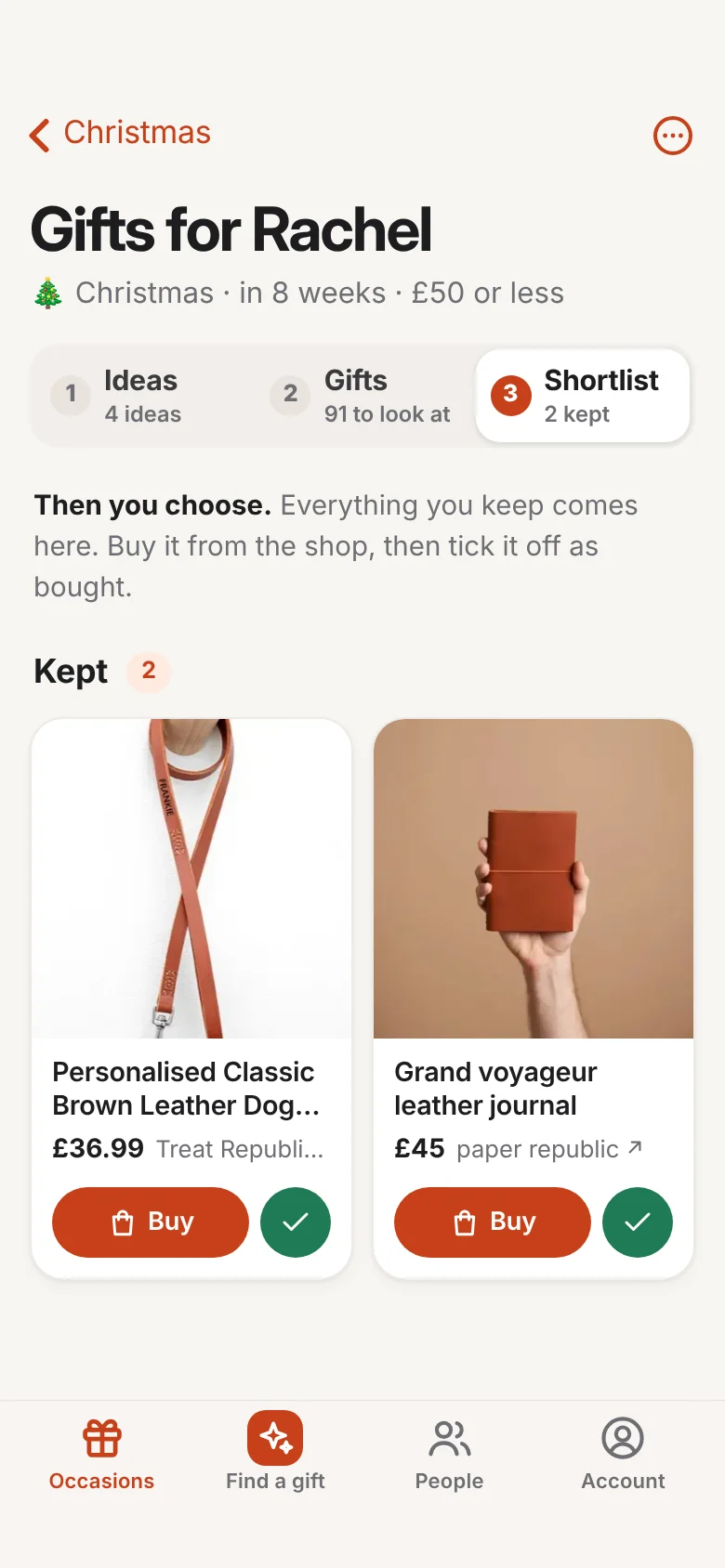
Each person's page is now three numbered steps, as tabs that stay at the top while you scroll: Ollie's ideas, the gifts he found, and the ones you've kept. Each keeps count, like "19 to look at" or "3 kept", so you always know what's left.
-
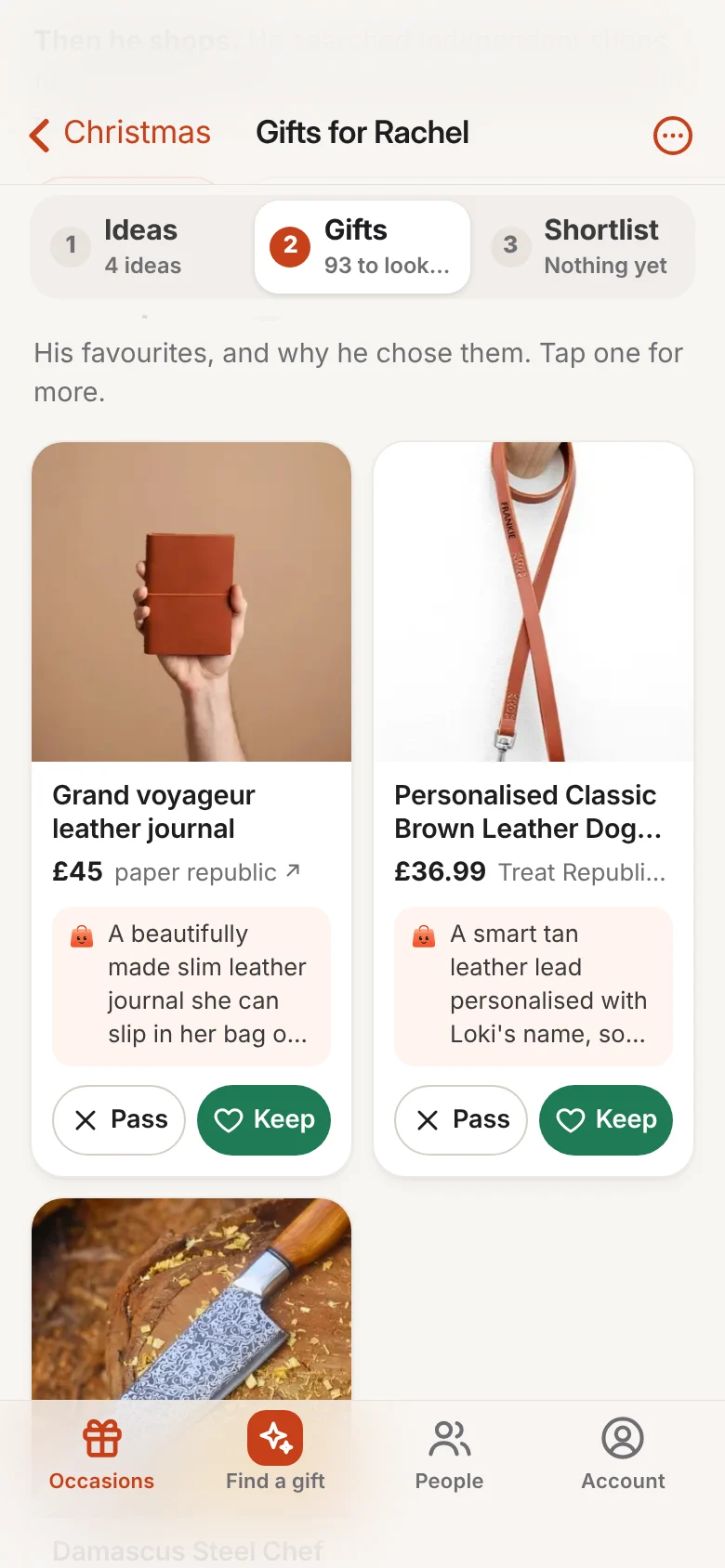
Gifts two to a row Improved
On a phone, gifts now sit two across instead of one big card a screen, so you see more at a glance. Ollie's picks keep a few lines of why he chose them, with Keep and Pass right underneath.
-
Straight from an idea to its gifts Improved
Tap one of Ollie's ideas, like "leather travel journal", and you're on the gifts he found for it.
-
A tidier More ideas button Improved
It only shows on the Gifts step, and tucks itself away while you scroll, so it never covers a Keep button.